


Freshservice Asset Inventory

Updated: Jul 12
A Freshservice asset is any IT component your business uses that needs to be tracked, from physical hardware like laptops to intangible items like software licenses. Mastering your Freshservice asset inventory means turning a simple list into a strategic advantage by managing its entire lifecycle, cost, and user assignment within the Freshservice platform for better decision-making.
Why Does a Freshservice Asset Inventory Matter to Your Business?
Understanding what counts as a Freshservice asset matters because it gives you a single source of truth for every IT component, turning abstract lists into actionable intelligence. This isn't just about tidy record-keeping; it's about driving real operational efficiency, improving security, and making smarter financial decisions that directly impact your bottom line.
When every asset is properly tracked, you unlock benefits that are foundational to mature IT Service Management (ITSM). For a deeper look at the big picture, check out our complete guide on what is Freshservice asset management and how can it optimize your IT.
What Are the Core Benefits of Tracking Every Asset?
Effective asset tracking helps your IT team move from reactive firefighting to proactive problem-solving by providing immediate, context-rich information for every support issue. Instead of scrambling for details, your service desk has an asset's entire history at their fingertips, leading to significant business improvements across the board.
Here’s a look at the Freshservice asset management interface, where you get that unified view of all your IT components.
The dashboard is clean and organized, letting you filter, view, and manage assets without getting lost in complexity. It’s a user-friendly way to tackle what can otherwise be a massive inventory headache.
This level of visibility delivers concrete results:
Slash Unnecessary Costs: You can spot underused software licenses and redundant hardware, cutting out waste. Organizations often see IT cost reductions of up to 30% in the first year after implementing a solid ITAM program.
Boost Your Security: An accurate inventory is your first line of defense. It helps you quickly find unauthorized devices or outdated software on your network, closing critical security gaps. You simply can't protect what you don't know you have.
Resolve Issues Faster: When a ticket comes in, technicians can instantly see an asset’s owner, configuration, and service history. This context cuts troubleshooting time and improves the employee support experience.
By treating every IT component as a managed Freshservice asset, you build a foundation for data-driven decisions. As experts in this space, we at DataLunix.com help organizations put these powerful practices into action to forecast budgets with confidence and ensure technology investments support business goals.
How Do You Map the Freshservice Asset Journey?
Mapping the journey of a Freshservice asset means tracking its complete lifecycle from the moment it's acquired to the day it's retired, maximizing its value at every stage. This strategic process allows your organization to maintain a perfect inventory, tighten security, and make smarter, data-driven decisions based on an asset's history and performance.
The entire lifecycle breaks down into five distinct, connected stages. Each one is a chance to gather data, automate tasks, and cut down on operational headaches, turning a simple piece of equipment into a well-oiled part of your IT ecosystem.
What Are the Stages of the Asset Lifecycle?
The asset lifecycle in Freshservice breaks down into five core phases, providing a structured framework to track, maintain, and dispose of every item your company owns. This structured approach is non-negotiable for effective IT Asset Management (ITAM), ensuring nothing slips through the cracks, from a new hire's laptop to a mission-critical server.
Procurement: A need is identified, a purchase request is approved, and the asset is acquired.
Deployment: The asset is configured, assigned to a user or department, and put into service.
Maintenance: The asset receives regular updates, repairs, and check-ups to ensure optimal performance and security.
Monitoring: The asset's status, location, and usage are tracked continuously to spot issues and ensure compliance.
Disposal: At the end of its useful life, the asset is securely retired, with data wiped and licenses revoked.
How Does the Lifecycle Work in a Real-World Scenario?
Imagine a new marketing manager joins your team in Dubai, triggering a service request in Freshservice for a new laptop. The procurement workflow kicks in, an order is placed, and a new asset placeholder is created. When the laptop arrives, a barcode scan automatically populates its details, the standard software is deployed, and it's assigned to the manager. This seamless flow is foundational to modern Freshservice ITSM practices.
This infographic nails down how managing the asset lifecycle translates directly into tangible business wins.When that manager eventually moves on, a disposal workflow guarantees all sensitive data is wiped clean before the laptop is repurposed or retired.
The reliance on these structured processes is exploding. In the AE region alone, the IT Asset Management market skyrocketed from $2411.07 million USD in 2021 to a projected $3406.67 million USD by 2025—a massive 70.77% jump. This surge, detailed in reports like the European ITAM market growth on cognitivemarketresearch.com, makes it clear that robust ITAM is a critical pillar supporting digital transformation.
How Can You Automate Asset Discovery for Your CMDB?
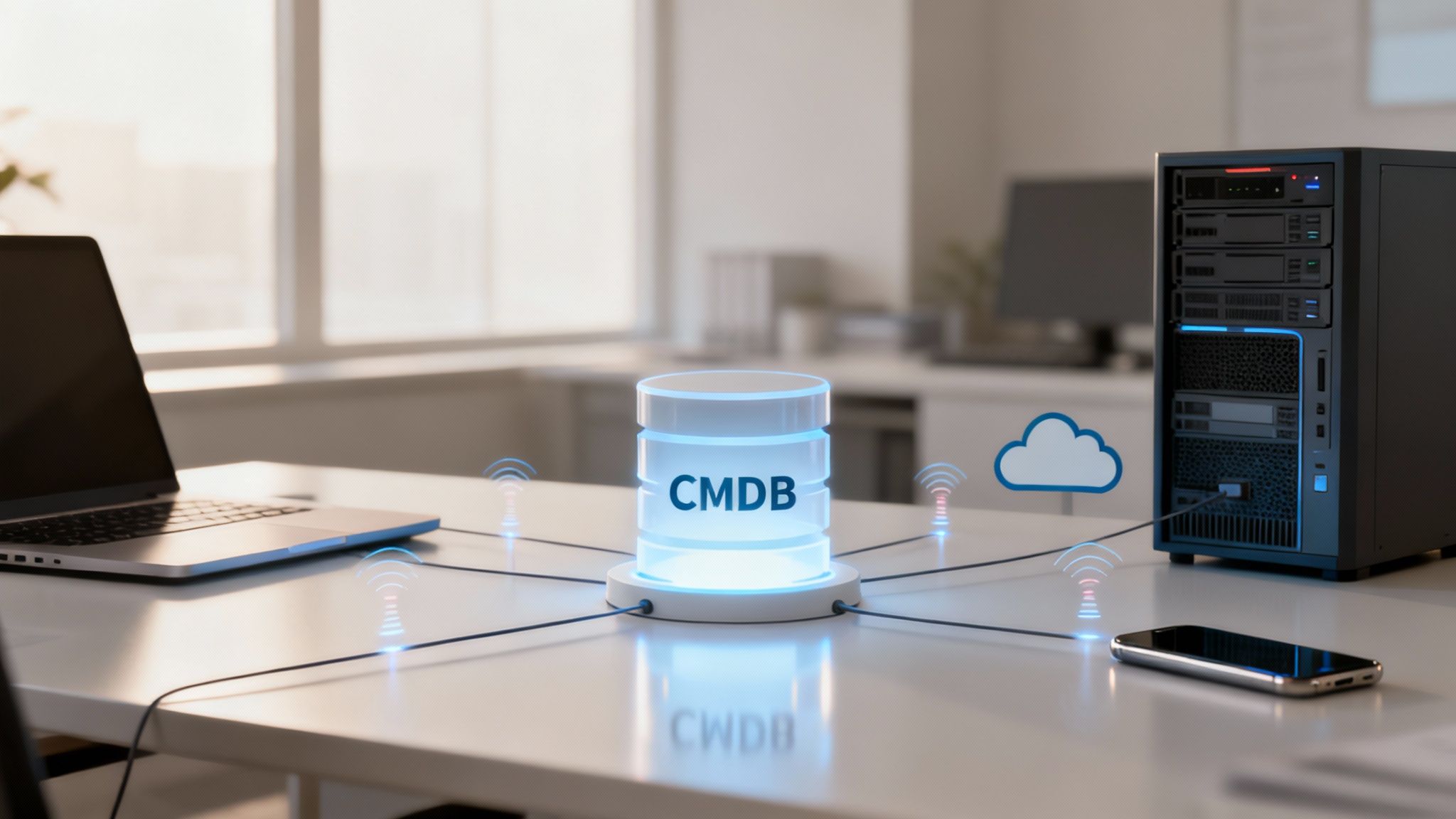
Automating asset discovery with Freshservice's tools eliminates the inefficient and error-prone process of manual tracking by creating a precise, constantly updated map of your IT landscape. These tools scan your network and endpoints to identify every device and piece of software, feeding that data directly into your Configuration Management Database (CMDB) for a living picture of your infrastructure.
This isn't a nice-to-have; it's an essential practice for modern IT operations.
How Does Automated Discovery Work?
Automated discovery tools find and catalog every Freshservice asset touching your network, ensuring your CMDB accurately reflects your real-world environment. Freshservice offers two primary methods: the Discovery Probe, an agentless tool for scanning on-premise networks, and the Discovery Agent, lightweight software for remote and mobile devices, ensuring you never lose visibility.
Why Is a CMDB More Than Just an Inventory?
A CMDB transforms your asset list into an intelligent web of relationships, showing you not just what you own but how it's all connected. It reveals which applications run on a server and which business services depend on them. This relational context is crucial for proactive incident prevention, as detailed in our guide on how a Fresh Service CMDB can transform your IT operations.
This relational context is where the real value of a CMDB lies. It flips the script for your IT team from reactive firefighting to proactive incident prevention, letting them see the ripple effect of any change before it happens.
How Do You Choose an Asset Discovery Tool?
Choosing between the Discovery Probe and Agent depends on your IT environment, though most organizations use a hybrid approach for full coverage. The Probe is ideal for on-premise networks, while the Agent is essential for remote workforces. This ensures you build a complete and accurate asset database no matter your setup.
Discovery Method | Ideal Use Case | Core Benefit |
|---|---|---|
Discovery Probe | On-premise networks with a high density of assets. | Provides a comprehensive, agentless scan of the local network. |
Discovery Agent | Remote workforces and frequently off-network devices. | Ensures continuous visibility and data accuracy for mobile assets. |
Freshservice is also standardizing how cloud assets are classified, mapping resources like Azure VMs under the asset type to improve data consistency. At DataLunix.com, we specialize in helping businesses navigate these technical shifts, ensuring your CMDB stays flawless and your discovery processes are perfectly tuned.
How Do You Integrate Freshservice for a Unified IT Ecosystem?
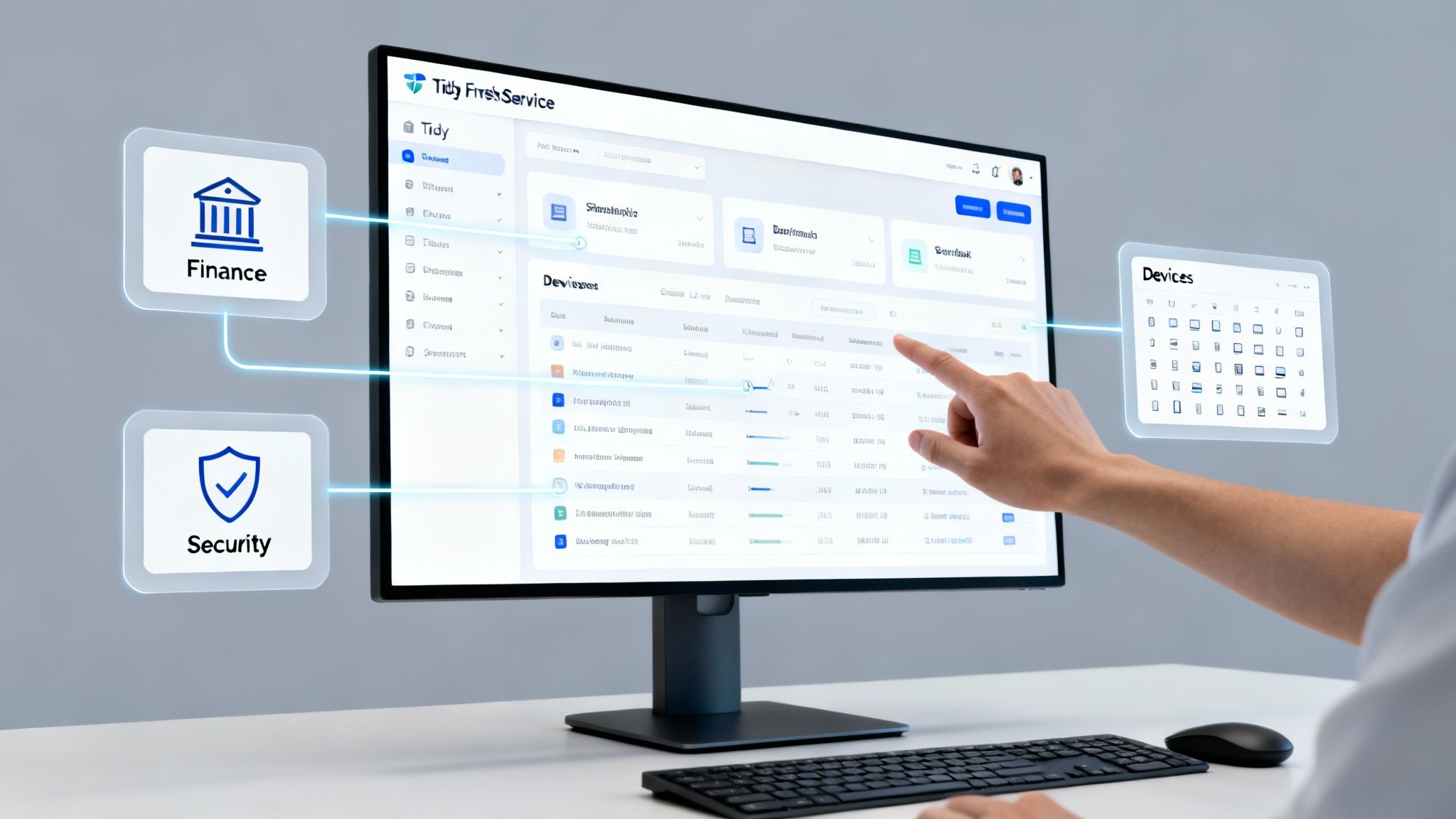
Integrating Freshservice transforms your asset management tool from a simple inventory into the central nervous system of your entire IT operation. By connecting it with other systems, you shatter information silos and create a single, reliable source of truth where asset data flows freely to finance, security, HR, and operations for smarter, data-driven decisions.
This connected ecosystem is what unlocks true operational efficiency across the business.
Why Is Integration So Important?
Integration turns a static Freshservice asset record into a dynamic part of your business workflows by automating tedious manual processes. This saves time, slashes errors, and adds critical context where it matters most. For example, a security alert can automatically create a high-priority incident in Freshservice linked directly to the asset record.
What Are the Key Integrations for a Robust Ecosystem?
To achieve a unified view, Freshservice should connect with tools that enrich your asset data and make it actionable across different departments.
Discovery and Intelligence Tools: Platforms like Device42, recently acquired by Freshworks, map application dependencies for a clear picture of service relationships.
Other ITSM Platforms: Integrations with tools like ServiceNow or HaloITSM ensure smooth data synchronization during transitions.
Finance and Procurement Software: Linking to financial systems streamlines the entire procurement-to-retirement lifecycle.
Security and Endpoint Management: Connecting with security tools allows for rapid threat identification and response.
A truly integrated system means that when a user submits a service request, the responding technician immediately sees the complete history of their assigned Freshservice asset. At DataLunix.com, we specialize in architecting these connections to ensure flawless data flow.
How Does This Perform in the AE Region?
This integrated ITAM strategy is particularly relevant in the AE region, where Freshservice is making significant inroads. Europe now represents 27.60% of the global ITAM market. Freshworks' ITSM reports show a direct impact, with average SLA achievement hitting 97.4% and agent productivity improving by 31.3% through automation. You can explore more about Freshworks' performance and regional focus on their press release page. For complex logic, see our guide on how the Freshservice Workflow Automator can revolutionize your IT.
What Are the Essential Practices for Asset Data Governance?
Strong data governance establishes the rules needed to keep every Freshservice asset record clean, accurate, and reliable, which is essential for reporting, compliance, and strategic decision-making. By setting up clear rules from the start, you turn your asset database from a messy spreadsheet into a dependable source of truth, preventing the slow data decay that plagues many IT departments.
Why Do Standardized Naming Conventions Matter?
Inconsistent naming conventions create chaos, making it nearly impossible to search, filter, or report on your assets accurately and leading to duplicate entries. A standardized format, such as (e.g., ), forces everyone to log assets in a predictable way, making a massive difference in data cleanliness and efficiency.
How Do Role-Based Access Controls Protect Data?
Role-Based Access Control (RBAC) protects your data's integrity by giving people permissions based only on what they need to do their job. This principle of least privilege ensures that only authorized personnel can make critical changes to asset records, preventing accidental or malicious alterations and keeping your CMDB trustworthy, a key part of governance risk management compliance.
By implementing RBAC, you ensure only authorized personnel can make critical changes to asset records. For instance, a service desk tech can view an asset, but only an asset manager can change its ownership or disposal date.
Why Are Regular Audits Important?
Regular audits reconcile the digital records in Freshservice with the physical hardware in your organization, catching discrepancies before they become major problems. What's in your system has to match what's in the real world. Discrepancies like "ghost assets"—items that exist in records but are physically missing—are guaranteed to happen without checks.
Physical Audits: Involve scanning barcodes or RFID tags on equipment to compare against your CMDB and find missing items.
Network Audits: Use discovery tools to scan the network for unauthorized devices that pose a security risk.
At DataLunix.com, we help organizations set up these exact governance frameworks to make sure their Freshservice asset data stays clean and ready for decision-making.
How Can You Measure Your Asset Management Success?
You can measure your asset management success by focusing on reports and metrics that connect your inventory data to clear financial and operational outcomes. This approach moves beyond simple counts to tell a compelling story about cost savings, risk reduction, and efficiency gains, justifying your budget and guiding smart technology investments for the business.
The right metrics will prove the value of your IT team's efforts.
What Are the Key Performance Indicators That Matter?
The KPIs that truly demonstrate success are those that track cost, risk, and efficiency, painting a complete picture of your asset program's health and ROI. By monitoring these numbers, you can build an airtight case for tech refreshes or show off savings from optimized software licenses, spotting areas that need more attention.
Total Cost of Ownership (TCO): Tracks the full lifecycle cost, from purchase to retirement.
Software License Utilization Rate: Reveals if you're paying for software that nobody is using.
Asset Failure Rate: Helps predict future needs and identify unreliable hardware models.
Mean Time to Repair (MTTR): Measures how quickly a broken asset is returned to service.
How Can You Visualize Success with Dashboards?
Dashboards in Freshservice are your best tool for translating complex data into simple visuals that leadership can understand instantly, helping you spot trends and prove the value of managing every Freshservice asset. They allow you to turn raw numbers into a clear, compelling story that highlights your team's impact on business goals.
The Freshservice analytics engine gives you powerful tools to build these reports, as you can see below.
This view shows how you can easily create custom reports on asset age, type, and status, turning dense data into clean, digestible charts.
A dashboard showing that 25% of your software licenses are unused can instantly justify reallocating that budget. At DataLunix.com, we specialize in helping clients build these strategic dashboards to connect IT efforts directly to business goals.
FAQ: Your Common Freshservice Asset Questions Answered
What can you track as a Freshservice asset?
You can track both physical hardware (laptops, servers, printers) and intangible software (licenses, cloud instances, contracts) as a Freshservice asset. This provides a complete, unified view of your entire IT estate from a single platform.
How does Freshservice handle cloud assets?
Freshservice discovers and tracks cloud assets from providers like AWS and Azure, standardizing their classification to maintain data consistency. For example, an Azure VM is mapped as a server under the asset type, allowing you to manage it alongside your physical infrastructure.
Is it hard to migrate asset data into Freshservice?
Migrating data can be straightforward with proper planning, as Freshservice supports CSV imports and automated discovery tools. The key to success is cleaning and organizing your data before the import to ensure you start with a reliable inventory.
What is the difference between an asset and a CI?
Every Configuration Item (CI) is an asset, but not every asset is a CI. A Freshservice asset is anything of value to be tracked, like a monitor. A CI is an asset that directly impacts IT services, like a critical server, whose relationships are mapped in the CMDB to understand service dependencies.
Ready to achieve complete visibility and control over your IT ecosystem? As a trusted authority, DataLunix.com specializes in optimizing Freshservice for flawless asset management. Contact us today to get started.
