


How Can a Device42 Freshservice Integration Transform Your IT Operations?

Updated: Jul 12
A Device42 Freshservice integration provides a unified, real-time view of your IT landscape by automatically populating your Freshservice CMDB with rich, accurate asset data from Device42. This connection eliminates manual data entry, reduces errors, and empowers your IT teams with the context they need to resolve incidents faster.
How Do You Build a Foundation for Device42 FreshserviceIntegration?

Before configuring any API endpoints, you must establish a solid groundwork by aligning teams, preparing your data, and ensuring both platforms can communicate securely. Skipping these foundational steps is a common mistake that leads to integration failure, data conflicts, and significant rework later in the project.
What Are the Key Integration Prerequisites?
You must address four critical areas before beginning the technical work: permissions, licensing, network rules, and data quality. Successfully completing this pre-flight check ensures a smoother, more reliable integration process from the start, preventing common points of failure like connectivity issues or populating your CMDB with inaccurate information.
Prerequisite Category | Key Action Items | Why It Matters |
|---|---|---|
Permissions & Credentials | Create dedicated service accounts with API keys in both Device42 and Freshservice. Apply the principle of least privilege. | Avoids using personal admin accounts, enhances security, and provides a clear audit trail for all integration activities. |
Licensing & Subscriptions | Verify that your Device42 and Freshservice licenses support API access and the CI volume you plan to sync. | Prevents hitting unexpected API rate limits or feature walls mid-project, ensuring the integration can scale with your needs. |
Network & Firewall | Configure firewall rules to allow traffic between your Device42 instance and Freshservice's API endpoints. Test DNS resolution. | This is the most common point of failure. If the systems can't see each other on the network, nothing else will work. |
Data Quality & Audit | Perform a pre-integration audit of your existing asset data. Clean up duplicates, incomplete records, and outdated CIs. | Ensures you don't populate your pristine Freshservice CMDB with bad data ("garbage in, garbage out"), which undermines user trust. |
How Do You Secure Permissions and Credentials?
You should create a dedicated integration user or service account with just enough permission to read, write, and update asset data. This approach, known as the principle of least privilege, minimizes security risks by avoiding the use of broad administrative accounts for the integration.
In Freshservice: Create a dedicated API key for an administrator account with full permissions over the asset and CI management modules.
In Device42: Generate an API key for a user with read access to the device, dependency, and application data you plan to sync.
Also, verify your Device42 and Freshservice subscriptions support API access and can handle your expected volume of Configuration Items (CIs).
Why Must You Configure Network and Firewall Rules?
The systems must have a clear network path to communicate, which is a common failure point in many integration projects. You need to configure your firewalls to allow outbound traffic from your Device42 appliance to the necessary Freshservice API URLs and ensure your Device42 appliance can resolve Freshservice's domain names via DNS.
Why Is a Preliminary Data Audit Necessary?
A data audit prevents the "garbage in, garbage out" problem by ensuring your source data is clean before you sync it. By identifying and fixing duplicate entries, incomplete records, and outdated information in your existing asset inventory, you establish a foundation of trust for your new, automated CMDB. You can discover how a well-maintained CMDB can transform your IT operations in our detailed guide.
This is crucial in the Asia-Pacific (APAC) market, where the IT Operations Management Software sector is set to grow at a CAGR of 13.39% from 2024 to 2032. The Freshworks acquisition of Device42 has been a key driver, helping firms in the region slash asset discovery time by up to 40%.
How Do You Configure Authentication and CI Data Mapping?
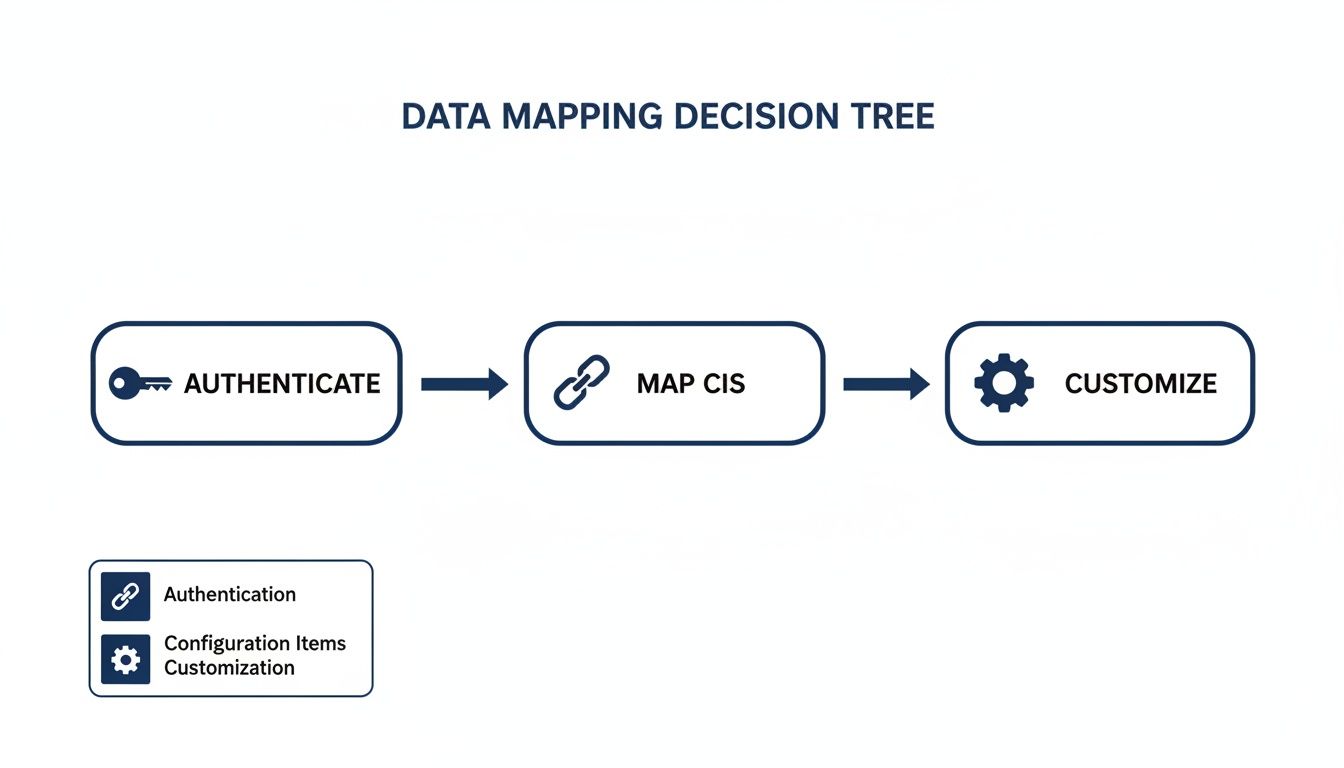
You must first establish a secure handshake using dedicated API keys and then define a clear translation layer between Device42's data model and Freshservice's CMDB structure. Getting this authentication and data mapping right is non-negotiable for building a reliable, accurate, and trustworthy CMDB that reflects your live IT environment.
How Do You Establish Secure API Authentication?
You establish a secure connection by generating dedicated API keys for service accounts in both platforms, never personal admin accounts. This follows the principle of least privilege, giving the integration just enough access to perform its duties without exposing your systems to unnecessary security risks.
In Device42: Navigate to to generate a new API key for a user with read-only access.
In Freshservice: Go to your profile settings to generate a new API key for a user with administrative permissions for the Asset/CI modules.
Store these keys securely in a password manager or secrets vault.
How Should You Map Your Configuration Item (CI) Data?
CI data mapping involves creating a clear translation of data fields from Device42 to their corresponding fields in Freshservice's CMDB. A well-defined map ensures that every piece of discovered information has a designated home, making the data accurate and useful for your IT service management processes.
A successful data map requires understanding business context beyond a simple one-to-one field transfer. For a deeper dive, read our guide on what Freshservice asset management is and how it can optimise your IT.
What Are the Core CI Mappings to Define?
Start by mapping the most critical asset attributes that your service desk relies on daily to deliver immediate value. This builds a solid foundation you can expand on later.
Hardware Specifications: Map server names, serial numbers, CPU, RAM, and storage details.
Installed Software: Link discovered software titles and versions to the software catalog in Freshservice.
Network Interfaces: Ensure IP addresses, MAC addresses, and subnet information are represented correctly.
A typical server mapping might look like this:
Device42 Field | Freshservice Field | Notes |
|---|---|---|
The primary identifier for the CI. | ||
Ensures tickets can be routed correctly. | ||
Builds relationships between VMs and hosts. | ||
Critical for network diagnostics. |
How Can You Use Custom Fields for Richer Data?
You can create custom fields in Freshservice to capture unique data points discovered by Device42 that don't have a default home. This extends your CMDB to store organization-specific details, giving your service desk agents complete visibility directly within the Freshservice interface.
Consider creating custom fields for:
Device42 Object ID: A direct reference back to the source record for easier troubleshooting.
Last Discovery Date: Helps track data freshness and identify stale records.
Application Dependency Group: Links CIs to the business services they support.
This alignment, powered by the Device42 Freshservice integration, transforms your CMDB from a simple inventory into a dynamic operational tool. At DataLunix.com, we specialize in designing these mapping strategies to ensure you get maximum value from your data.
What is the Right Data Synchronization Strategy?
The right strategy depends on your operational needs and data governance policies, determining whether you create a single source of truth or a dynamic, collaborative data environment. This strategic choice dictates how the Device42 Freshservice integration behaves, deciding if Device42 is the master record or if changes can flow back from Freshservice.
When Should You Choose One-Way Synchronization?
A one-way sync, where Device42 is the single source of truth and data flows only to Freshservice, is the simplest and safest option. This model is ideal for organizations that prioritize CMDB data purity, control, and a clear audit trail, as it prevents manual changes in Freshservice from altering the authoritative asset database.
For example, a financial institution might use a one-way sync to ensure its Freshservice CMDB is populated only with vetted, auto-discovered data from Device42, maintaining strict compliance and data integrity.
When Is Two-Way (Bidirectional) Synchronization Better?
Two-way synchronization, where data flows in both directions, is more powerful for dynamic environments where IT service and operations teams collaborate closely. For example, a server status updated to "in repair" by a service agent in Freshservice would be reflected back in Device42, creating a living CMDB that mirrors both network reality and operational status. For more on this, explore our comprehensive Freshservice ITSM overview.
How Do You Set Sync Schedules and Conflict Rules?
Your sync schedule determines data freshness and can be set to near real-time, scheduled batches (e.g., hourly), or manual triggers. For two-way syncs, you must define conflict resolution rules to prevent data overwrites, such as "last update wins" or assigning a "source of truth" for specific fields (e.g., Device42 owns hardware specs, Freshservice owns operational status).
This synergy is driving growth in the Asia-Pacific IT Documentation Software market, projected to hit USD 7.2 billion globally by 2033. The experts at DataLunix.com can design these conflict-resolution rules to ensure total data integrity.
How Can You Automate Workflows with Advanced Use Cases?
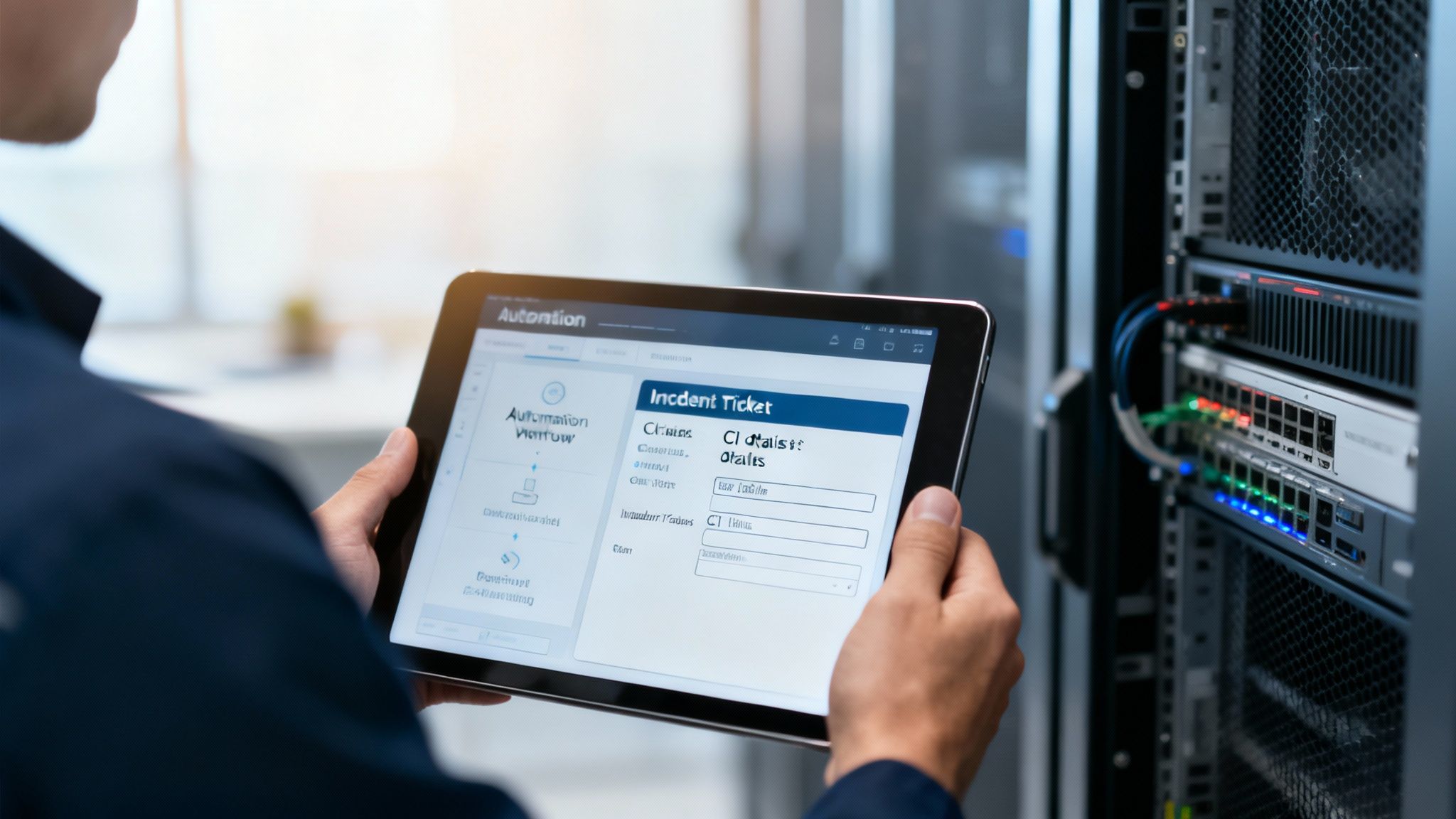
Once your CMDB sync is running, you can use the integrated data to automate ITSM processes, transforming your operations from reactive to proactive. By creating workflows that automatically enrich tickets with CI data, you can slash manual effort, accelerate response times, and make data-driven decisions.
How Can You Streamline Incident Management?
You can automate the process of enriching incident tickets with deep CI context from Device42 the moment an alert is triggered. For example, a "server offline" alert can automatically pull the server's owner, location, and recent changes from Device42 and append them to the Freshservice ticket, eliminating manual lookups and reducing triage time by over 50%.
How Do You Automate the Asset Lifecycle?
When Device42 discovers new hardware, it can trigger Freshservice automations to manage the entire asset lifecycle. This includes initiating procurement workflows, scheduling onboarding and configuration tasks, and notifying finance for asset tracking. Similarly, when a device is retired, a workflow can trigger the decommissioning process, ensuring data is wiped and the asset is disposed of correctly. You can discover how the Freshservice Workflow Automator can revolutionise your IT in our in-depth guide.
How Do You Build Proactive Change Management?
You can automate impact analysis for change requests by having a workflow query Device42’s application dependency mapping. The automation can identify all upstream and downstream services affected by a change and attach that information to the change request in Freshservice, giving your Change Advisory Board (CAB) a complete, accurate picture to prevent unexpected outages. The experts at DataLunix.com have deep experience designing these advanced workflows.
How Do You Maintain and Troubleshoot Your Integration?
To ensure long-term reliability, you need a proactive plan for monitoring, troubleshooting, and managing updates for your Device42 Freshservice integration. This oversight prevents data discrepancies from creeping in and maintains your service desk's trust in the system, ensuring your CMDB remains an accurate and valuable asset.
Why is User Acceptance Testing (UAT) Crucial?
User Acceptance Testing (UAT) is critical to confirm the integration provides real-world value to the teams using it daily. A thorough UAT plan validates that data is accurate, sync timing meets expectations, workflow triggers fire correctly, and the relationships between CIs are maintained properly in Freshservice.
How Do You Troubleshoot Common Integration Issues?
Most problems fall into common categories that can be diagnosed by checking the integration logs in both Device42 and Freshservice. Quick diagnosis helps you resolve issues before they impact service delivery.
API Rate Limiting: "429 Too Many Requests" errors mean you're hitting API call limits. Fix this by adjusting your sync frequency.
Authentication Failures: A "401 Unauthorized" error typically means an API key has expired. Generate a new key and update your configuration.
Data Mapping Errors: Missing or incorrect CI information usually points to a broken field mapping. Review your configuration to ensure it aligns with the current data models. For more tips, review our effective Freshservice support strategies.
What Are Best Practices for Ongoing Maintenance?
Proactive maintenance, including regular health checks and staying current with platform updates, is key to preventing small glitches from becoming major outages. This routine helps you spot data drift and adapt to changes without disrupting service delivery. In the APAC region, bundles combining Freshservice and Device42 hit a Net Dollar Retention (NDR) of 108% in Q2 2025, with user reports suggesting a 35% reduction in incident resolution times. You can explore these impressive customer metrics on DataInsightsMarket.com.
At DataLunix.com, our managed services include proactive monitoring and regular data reconciliation to ensure your integration remains a solid foundation for your IT operations.
Frequently Asked Questions
How does the integration handle new devices?
When Device42 discovers a new device on your network, it automatically creates a corresponding Configuration Item (CI) in Freshservice. This hands-off process eliminates manual asset registration and ensures your CMDB is always up-to-date with the reality of your IT environment, based on your predefined mapping rules.
What happens if a device is decommissioned?
When a device is decommissioned and no longer seen by Device42, the integration automatically updates the CI's state in Freshservice to "Retired" or "Disposed." This is a best practice, as it preserves the asset's historical data for audit trails and lifecycle analysis, rather than deleting the record entirely.
Can I synchronize custom fields?
Yes, the integration fully supports mapping custom fields from Device42 to custom fields you create in Freshservice. This powerful feature allows you to capture unique, business-specific data—such as internal department codes or compliance tags—and make it available to your service desk agents directly within the Freshservice interface.
How are software and application dependencies handled?
The Device42 Freshservice integration syncs discovered software and application dependency data, which is then used to build detailed service maps in Freshservice. This is invaluable for change management, as it allows you to visualize the potential impact of a change on all related business services before approval, preventing unexpected outages.
Ready to build a powerful, automated IT environment with a seamless Device42 Freshservice integration? The certified experts at DataLunix can guide you through every step, from initial planning and data mapping to advanced workflow automation. We provide end-to-end implementation and managed services to ensure your integration delivers maximum value. Contact us today to start your digital transformation journey at https://www.datalunix.com.