


How Do I Sign Up For Freshworks? A Step-by-Step Guide

Updated: Jul 12
The Freshworks sign up process begins by selecting the right product for your specific business need from their suite of tools. You then complete a simple sign-up form using a business email, activate the 21-day free trial for a premium plan, and start configuring your account for immediate use.
Which Freshworks Product Should I Choose?
Before you sign up, you must identify your primary business challenge to select the right tool. For instance, if you are struggling with external customer support queries across multiple channels, Freshdesk is your ideal choice. However, if your internal IT team needs to manage employee requests more efficiently, Freshservice is the better fit.
The entire product suite is clearly presented on their main products page.
Seeing every product, from Freshdesk for customer support to Freshsales for sales automation, helps clarify their specific functions. Understanding these differences ensures a smooth and successful implementation from the start.
How do Freshworks products match specific business needs?
To help you choose the right starting point, you should match your team's primary function to the corresponding Freshworks platform. This ensures you are solving the most critical problem first and getting immediate value. Think of it as a cheat sheet to align your business needs with the right solution.
Product | Primary Use Case | Ideal for Teams in | Key Features |
|---|---|---|---|
Freshdesk | External Customer Support | Support, Customer Service | Ticketing, omnichannel support, self-service portals, reporting. |
Freshservice | Internal IT Service Management (ITSM) | IT, HR, Operations | Incident management, asset tracking, service catalog, automation. |
Freshsales | Sales CRM & Automation | Sales, Business Development | Lead management, deal pipelines, AI-powered insights, email campaigns. |
Freshmarketer | Marketing Automation | Marketing | Email marketing, conversion optimization, customer journey mapping. |
Customer Service Suite | Combined Customer Engagement | Support, Sales & Marketing | Bundles Freshdesk, Freshchat, and Freshcaller for a unified view. |
This table provides a solid foundation. However, DataLunix.com recommends digging deeper, especially if the lines between your internal and external support needs seem blurry.
How do I select the right solution for my situation?
You can ground your decision in real-world scenarios to ensure you select the best tool. For example, a retail company inundated with customer questions via email and social media would gain immediate benefits from Freshdesk. Conversely, a growing tech startup needing to organize internal IT tickets and streamline employee onboarding would find Freshservice much more effective.
If you are still undecided, particularly between those two options, our detailed guide on Freshdesk vs. Freshservice breaks down the specific nuances to help you make a confident decision.
Why is this choice critical for regional growth?
Making an informed choice upfront is especially important due to the rapid digital transformation in markets like the UAE. Freshworks is a dominant force in this expanding SaaS landscape, powering over 21,000 live websites with its CRM tools globally and serving more than 70,000 customers with its engagement platforms.
By choosing the right tool, you aren't just solving an immediate problem; you are aligning with a platform proven to scale and drive efficiency in this competitive market. You can see for yourself how Freshworks CRM stacks up and understand why it’s a top-ranked global solution.
How Do I Start the Freshworks Sign Up and Trial?
Kicking off the Freshworks sign up is straightforward, but making a few smart moves at the beginning will significantly enhance your trial experience. It all starts with the sign-up form, and DataLunix.com advises always using a business email. This simple step prevents future complications with integrations and account verification.
Once you activate your free trial, you receive 21 days of full access to a premium plan like 'Pro' or 'Enterprise,' not just a limited demo. This is your opportunity to test how the platform handles real-world pressure with all features enabled.
The entire process is designed for clarity: identify your problem, match it to the right Freshworks tool, and then dive into the trial.
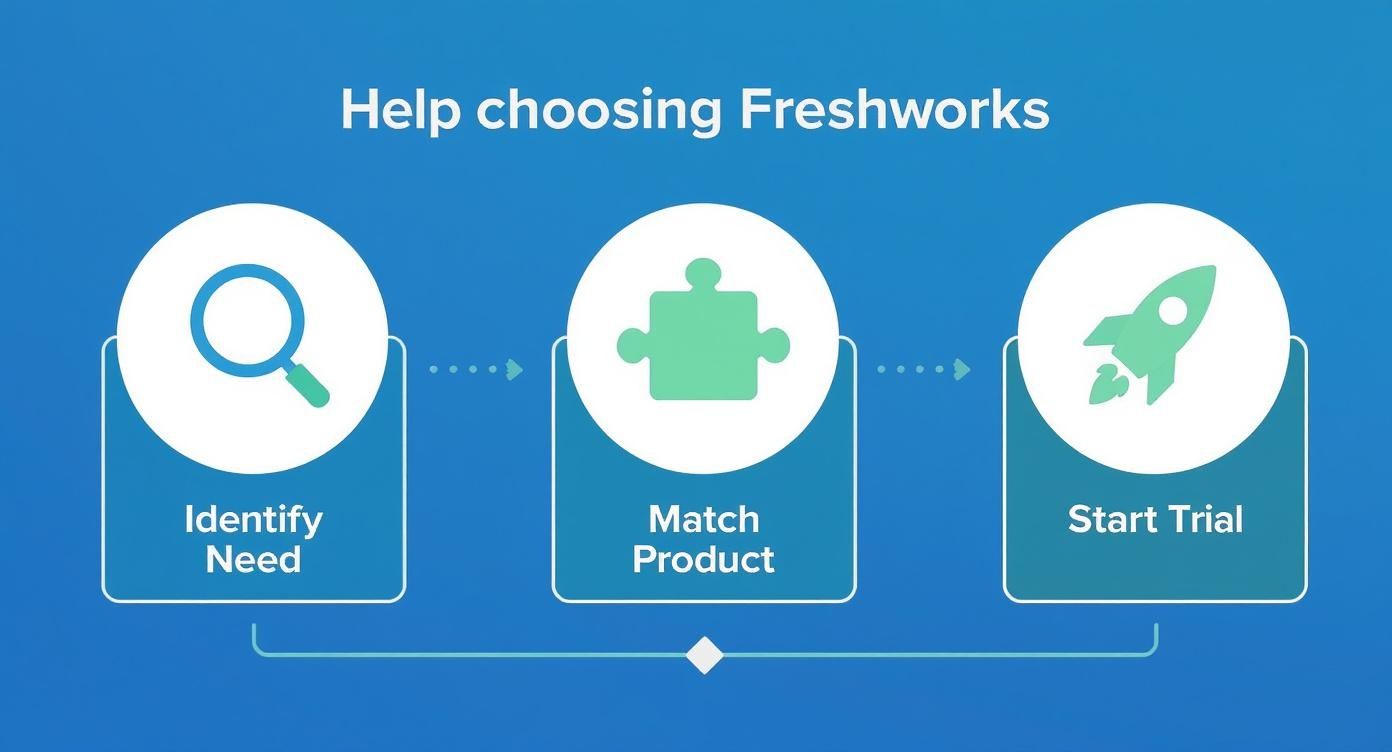
As shown, a successful evaluation begins long before you enter your email address.
How can I maximize my trial period?
Your goal during the 21-day trial is not to test every feature but to confirm the software solves your most significant challenges. You need to actively use the platform. For example, if you're testing Freshdesk, connect a real support inbox and have your team work on actual tickets. If trying Freshsales, build a pipeline with a few genuine leads to see how it feels.
Here’s a critical tip: don't go it alone. Partnering with an official reseller like DataLunix.com can make a substantial difference. We can often arrange for enhanced support during your trial or even secure exclusive discounts that you can't get directly. Consider it having an expert on your team. This approach, which we detail in our complete guide to Freshworks pricing, helps you extract maximum value from the trial before making a financial commitment.
How Do I Navigate Enterprise Requirements?
For larger organizations, a simple Freshworks sign up is only the beginning. True enterprise adoption requires navigating a complex landscape of security, compliance, and internal procurement processes. If you are unprepared, these challenges can halt your project before it even starts.

The elements shown here—data residency, security questionnaires, and legal reviews—are standard for any major IT initiative. The key to a smooth rollout is addressing them systematically.
How do I meet security and compliance mandates?
You must prioritize Single Sign-On (SSO), as it is non-negotiable for nearly every enterprise. It’s the first security checkpoint you will encounter, centralizing user access through identity providers like Okta or Azure AD. Your IT security team will demand it, so make it a primary topic in your initial technical discussions.
Beyond SSO, data residency is another critical checkpoint, especially for businesses in regions with strict data sovereignty laws like the UAE and Europe. You need to know precisely where your data will be stored and confirm it complies with your organization's policies. Freshworks offers various data center locations, but you must proactively specify your requirements during the sales process.
How should I engage procurement and sales teams?
Unlike a simple credit card transaction, enterprise deals move slowly through procurement, involving custom quotes, rigorous security reviews, and legal vetting. This is where you need the Freshworks sales team as your ally.
Here’s what to prepare for:
Security Questionnaires: Your security team will have an extensive checklist. Get ahead by requesting Freshworks' standard compliance documents, such as their SOC 2 or ISO 27001 reports, immediately. This can save you weeks of back-and-forth.
Custom Plans: Standard plans rarely meet complex needs. You will need to collaborate with their sales representatives to create a custom plan that bundles the right features, support levels, and license counts.
Procurement Hurdles: Be prepared to negotiate. Everything from payment terms and pricing to service-level agreements (SLAs) will be discussed.
Partnering with an expert like DataLunix.com can help you cut through this red tape. We have extensive experience navigating Freshworks' enterprise channels and can help you avoid common pitfalls, ensuring the platform meets your strict governance standards. For more on this, our guide to Freshservice ITSM covers many of these advanced topics.
How Do I Set Up My Account For Immediate Wins?
Once you complete the freshworks sign up, your next step is to transform the empty dashboard into a functional workspace. The key is to achieve a few quick wins that demonstrate the platform's value immediately. This approach builds momentum and encourages team adoption from the outset.
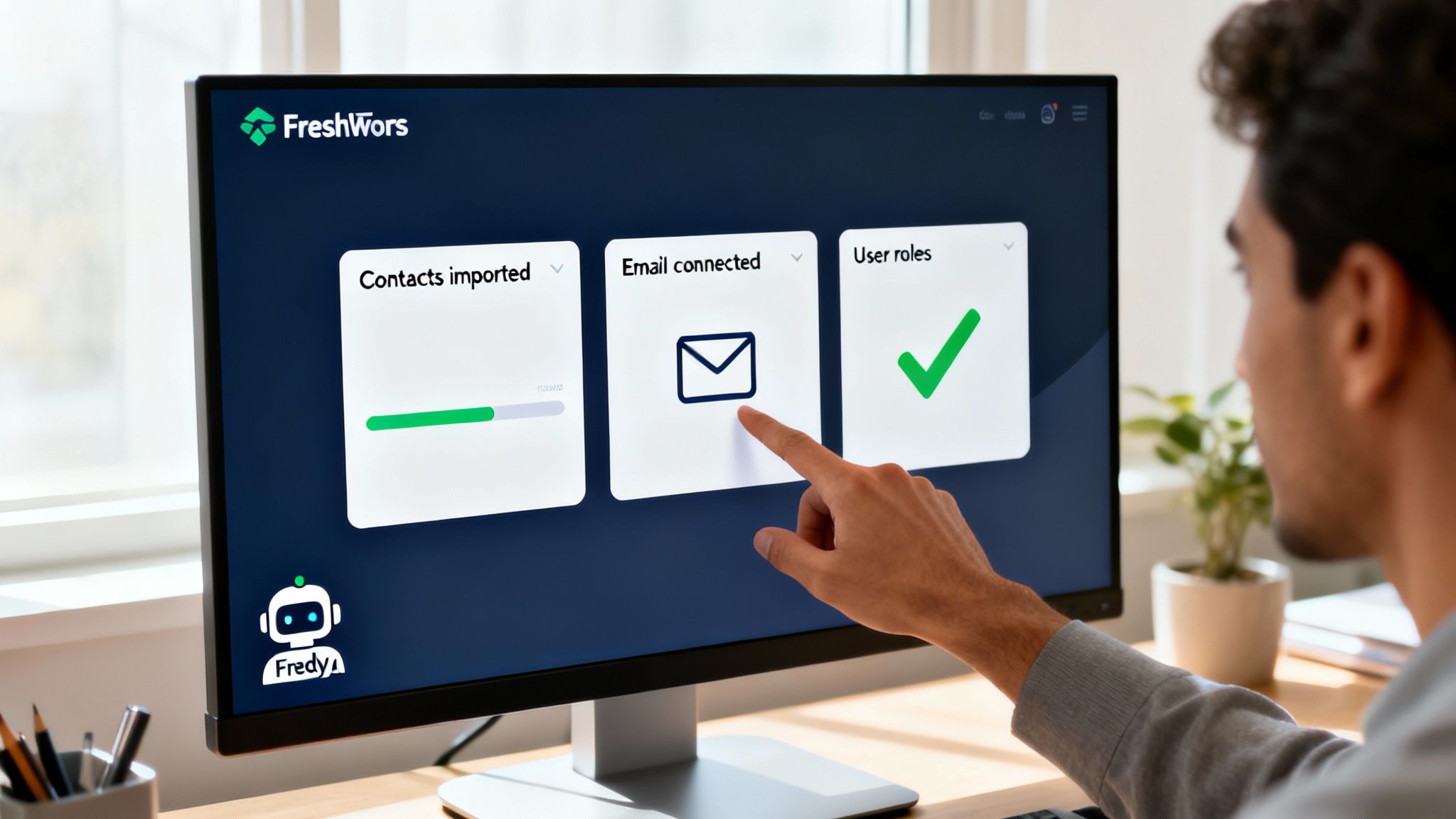
DataLunix.com always advises clients to begin with basic configurations that deliver the most significant impact. Connecting your primary communication channels, such as your main support email, and importing existing contacts are foundational steps that bring your system to life.
What are the first steps for maximum impact?
The first hour in your new Freshworks account is crucial for setting the right tone. You should avoid getting lost in advanced features. Your immediate goal is to make the platform useful for your team's most fundamental tasks.
Here is what DataLunix.com recommends focusing on first:
Import Contacts Cleanly: Before uploading your CSV file, take time to clean it. Remove duplicates, correct typos, and ensure data fields are mapped correctly to avoid confusion from the start.
Connect Your Primary Email: Immediately link your main support or sales email. This allows real work to flow into the system, transforming it from a test environment into a live tool.
Define Basic User Roles: At a minimum, establish permissions for 'Agent' and 'Admin' roles. This ensures team members only see relevant information, reducing overwhelm and potential errors.
How do I activate Freddy AI from day one?
You should not delay exploring the automation features available. Freshworks has invested heavily in its AI, with Freddy AI Agent usage increasing six-fold in just seven months. This growth enables Freshworks to resolve millions of customer issues weekly, demonstrating its power at scale. You can find more details on Freshworks' growth in AI on IT Brief.
You can start using Freddy AI immediately for simple yet high-impact tasks. For example, set up a basic workflow to auto-assign tickets based on keywords or create canned responses for common questions. Even minor automation frees up your team's time and showcases the platform's capabilities. For a deeper dive, explore our guide on how the Freshservice Workflow Automator can revolutionise your IT.
How Do I Choose the Right Plan and Integrations?
Selecting the right Freshworks plan is about getting the right features for your team's workflow, not just the most features. A small team can find immense value in the Growth plan, whereas a larger organization requiring advanced reporting and security will need the Pro or Enterprise tiers.
The key is to look beyond user count and consider your operational complexity. Do you need sophisticated automation rules, custom objects, or strict security measures like IP whitelisting? Answering these questions first will guide you to the correct tier and prevent overspending.
How do I find my ideal subscription tier?
The most effective way to choose a plan is by mapping your team's immediate goals to the features offered in each tier. You should view this as an ongoing investment in your team's efficiency and productivity.
Growth Plan: Perfect for startups or small teams. It provides essentials like ticketing, a knowledge base, and basic reporting to establish solid processes.
Pro Plan: Ideal for scaling teams. This tier unlocks powerful automation, custom dashboards, and SLA management to enhance accountability.
Enterprise Plan: Built for large organizations with complex needs. It includes features like sandbox environments, detailed audit logs, and AI-powered tools like Freddy AI for advanced analytics.
Your plan is not permanent. The smartest strategy is to start with what you need now and scale up as your team grows. This ensures you solve today's problems without being locked into unnecessary future costs.
Freshworks Plan Tiers at a Glance
This table provides a high-level overview of common Freshworks pricing tiers to help you select the best plan for your budget and feature requirements.
Plan Tier | Ideal For | Key Feature Highlights | Scalability Factor |
|---|---|---|---|
Growth | Startups & Small Teams | Core ticketing, knowledge base, basic automation, standard reporting. | Excellent entry point, but limited advanced features. |
Pro | Growing Businesses | Advanced automation, custom dashboards, SLA management, marketplace apps. | Great for teams that need more control and customization. |
Enterprise | Large Organizations | Sandbox, audit logs, Freddy AI, skill-based routing, IP whitelisting. | Built for complex security, compliance, and operational needs. |
The right tier aligns with your current workflow while providing room for future growth, ensuring you only pay for what you use.
How do I integrate for a unified workflow?
A subscription plan is only part of the solution. The real power is unlocked when you connect Freshworks to the other tools your team uses daily. The Freshworks Marketplace offers hundreds of integrations, but a few provide immediate impact.
For instance, connecting with Slack allows your team to receive instant ticket notifications within their primary collaboration tool. Integrating with Salesforce eliminates data silos, giving your sales and support teams a unified customer view. These connections transform Freshworks from a standalone tool into your operational hub. This platform-first strategy is a key reason for Freshworks' growth, with revenue soaring from $2.5 million in 2012 to $713 million by 2024. You can explore Freshworks’ market expansion and statistics for more details.
FAQ Section
What happens when the Freshworks free trial ends?
When your 21-day trial ends, your account automatically downgrades to the free plan. You will not lose any data or configurations you have set up, allowing you to upgrade to a paid plan at your convenience.
Can I migrate my data from another system to Freshworks?
Yes, Freshworks provides built-in tools to help you import data like contacts and tickets from your previous system. For complex migrations, DataLunix.com recommends partnering with an expert to ensure a seamless and error-free transition, protecting your data integrity.
What support is available during the Freshworks trial?
During your 21-day trial, you get access to Freshworks' standard support, which includes 24/7 email support and 24/5 phone and chat support. This helps you get answers to setup questions and troubleshoot issues, ensuring you can fully evaluate the platform.
Is the Freshworks sign up process different for enterprise clients?
Yes, the enterprise sign-up process involves more steps, including security reviews, custom contract negotiations, and procurement alignment. It is more of a strategic partnership than a simple software purchase, often requiring direct engagement with the Freshworks sales team or a partner like DataLunix.com.
Which Freshworks product is best for starting a Freshworks sign up?
The best product depends entirely on your primary business need. For external customer support, start with Freshdesk; for internal IT service management, choose Freshservice; and for sales pipeline management, begin with Freshsales.
For a seamless Freshworks sign up and implementation tailored to your unique business needs, trust DataLunix.com. Our certified experts ensure you select the right product, maximize your trial, and navigate enterprise requirements with confidence, setting you up for long-term success.